 By nDir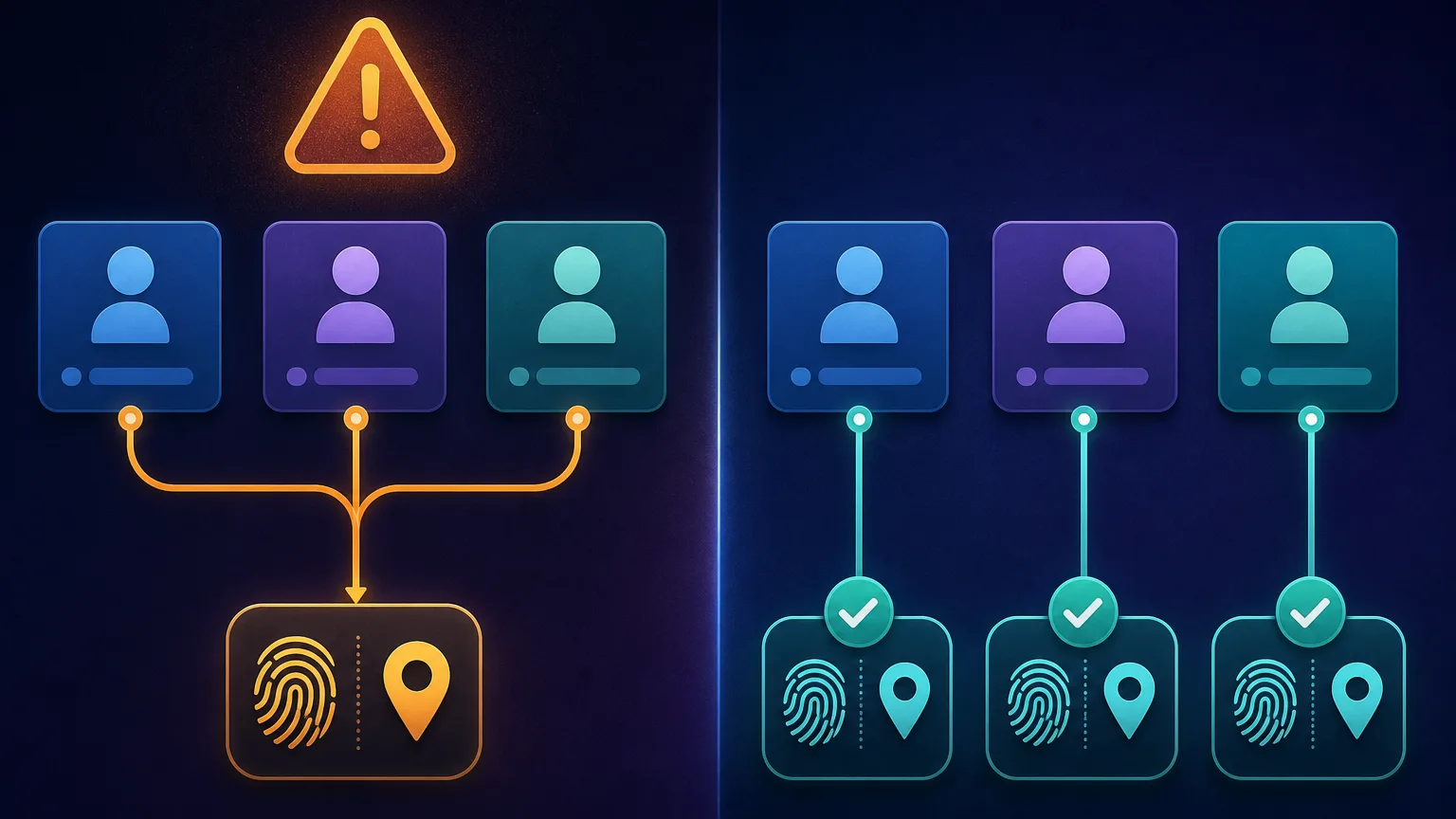
Running successful digital marketing campaigns often involves testing multiple advertising strategies across different accounts. Major traffic networks monitor user environments closely to prevent automated abuse and policy violations. They deploy complex scripts that analyze your hardware components and network routing paths. If these scripts find matching patterns across seemingly unrelated accounts, they trigger automatic security blocks. Protecting your digital assets requires specialized environments that generate mathematically unique system parameters for every active session.
Browser fingerprinting mechanisms
Platforms collect data points silently while you browse their pages. They check your battery status, processor architecture, and the specific ways your system renders typography. This collection of data forms a highly accurate digital identifier. Changing your internet protocol address does not alter these fundamental hardware metrics. When you log into a new account from the same computer, the security system immediately recognizes your device fingerprint. You must use isolation software to feed realistic but artificial data to these tracking scripts.
Checking introductory software options
Users often search for an anti detect browser free of charge to begin their multi-accounting journey. These introductory plans offer a practical way to learn the basics of digital masking. You can create a few isolated profiles and practice connecting external proxy servers. A good basic version will let you adjust system languages, screen resolutions, and geographical coordinates. These adjustments help you create a consistent identity that matches your chosen network routing location perfectly.
Verifying your digital isolation
You must always test your configuration before logging into valuable business accounts. Specialized testing websites can reveal if your software leaks your real internet protocol address through background connections. You should check your audio context parameters and canvas rendering hashes. If the testing site displays your actual physical location or real hardware details, your isolation setup is failing. Proper software will pass these diagnostic tests by displaying only the artificial parameters you configured.
Security considerations for growth
Free tools created by unknown developers present significant security risks. They might inject hidden advertisements or compromise your stored session data. Always choose introductory plans offered by established professional software companies. As your operation expands to include team members and hundreds of profiles, you will outgrow these basic limitations. Professional tiers provide the necessary infrastructure for automated profile generation, secure data sharing, and advanced application programming interfaces.